How I Use AI as a Chief Accountant: 5 Workflows That Save Me Hours
I am a chief accountant in a manufacturing company in Bahrain. I am not a developer, and I do not have a team of engineers. But over the last year, AI has quietly removed several hours of repetitive work from my month — not by replacing my judgement, but by doing the boring parts faster.
Here are the five workflows I actually use. None of them needs a subscription to an enterprise platform, and none of them touches confidential data without care.
1. Turning messy statements into clean tables
Suppliers send statements of account as PDFs with broken columns, merged cells and inconsistent dates. Copying them into Excel by hand used to take 20–30 minutes per statement.
Now I paste the relevant text into an AI assistant and ask for a strict table: invoice number, date, amount, and balance. I always check the total against the PDF before using it — the AI is fast, not infallible. When the numbers reconcile to the printed closing balance, I know the extraction is correct.
2. Explaining a variance before someone asks
Month-end always brings the same question: why is this account 12% higher than last month? Instead of scrolling through ledgers, I paste the two periods’ figures and ask for the three largest movers and a plain-English sentence for each. I then verify each mover in the ledger myself.
The value is not the analysis — it is that I start from the right three lines instead of hunting for them.
3. Writing the first draft of every letter
Payment reminders, supplier clarifications, internal notes explaining a policy. The tone matters, especially in this region, where a badly worded reminder can damage a relationship.
My prompt is simple: the facts, the relationship, and what I want the reader to do. Then I edit. What used to take fifteen minutes of staring at a blank page now takes three minutes of editing — and the letters are more polite than the ones I used to write when I was annoyed.
4. Excel formulas and VBA without the trial and error
I know what I want a workbook to do; I do not always remember the exact syntax. Describing the task in one sentence gets me a working formula or a short macro, which I then test on a copy of the file.
The rule I follow: never run AI-generated VBA on the live ledger. Test on a duplicate, check the output against a known result, then apply.
5. Reading documents I would otherwise skim
Long contracts, VAT guidance, bank facility letters. I ask for a one-page summary with the clauses that affect payment terms, penalties and deadlines. Then I read those clauses in the original document — the summary is an index, not a substitute.
What I deliberately do not automate
Judgement calls, anything involving an audit trail I cannot explain, and any data I would not put in an email. Client names, bank details and salaries stay out of prompts. If a task needs confidentiality, I do it myself.
The honest result
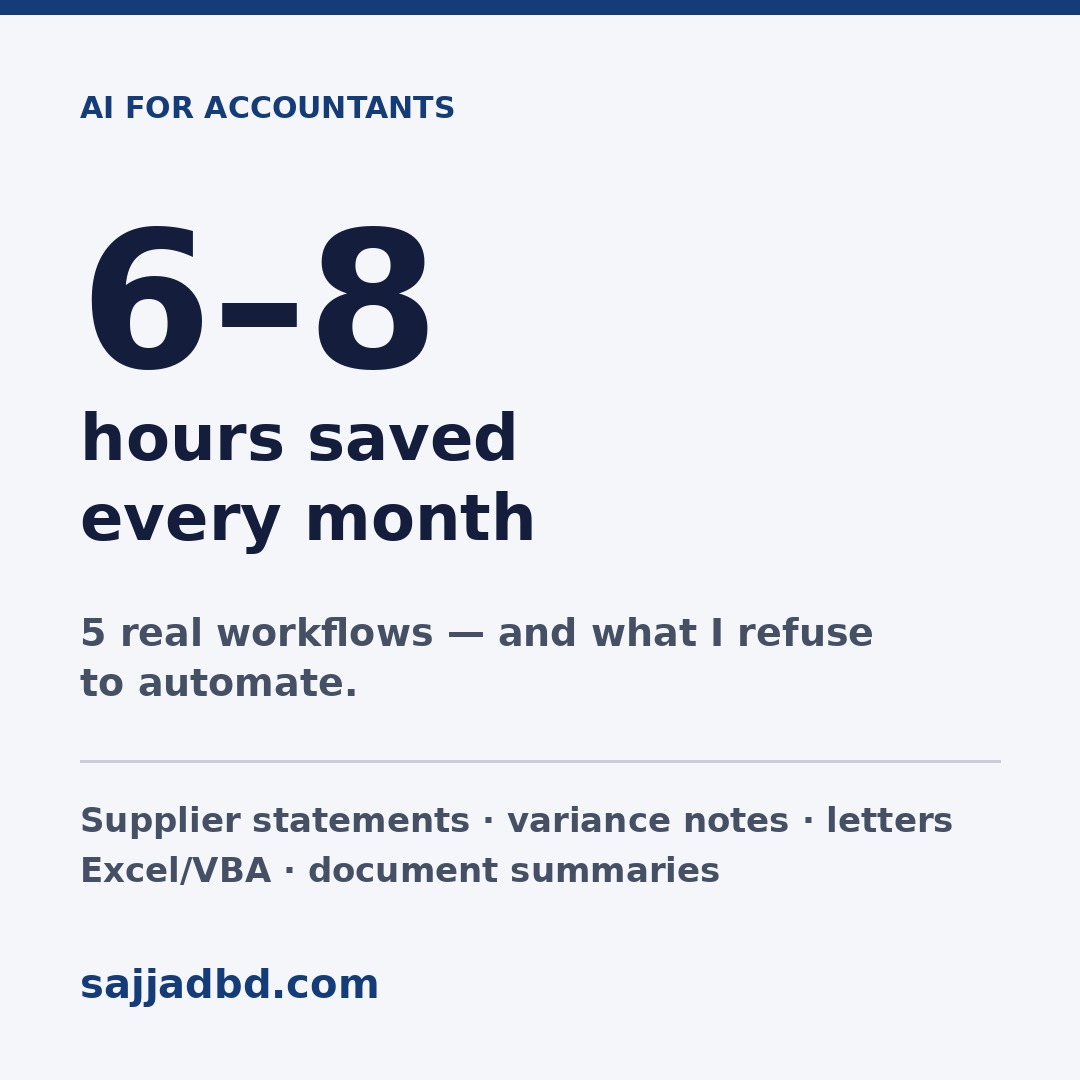
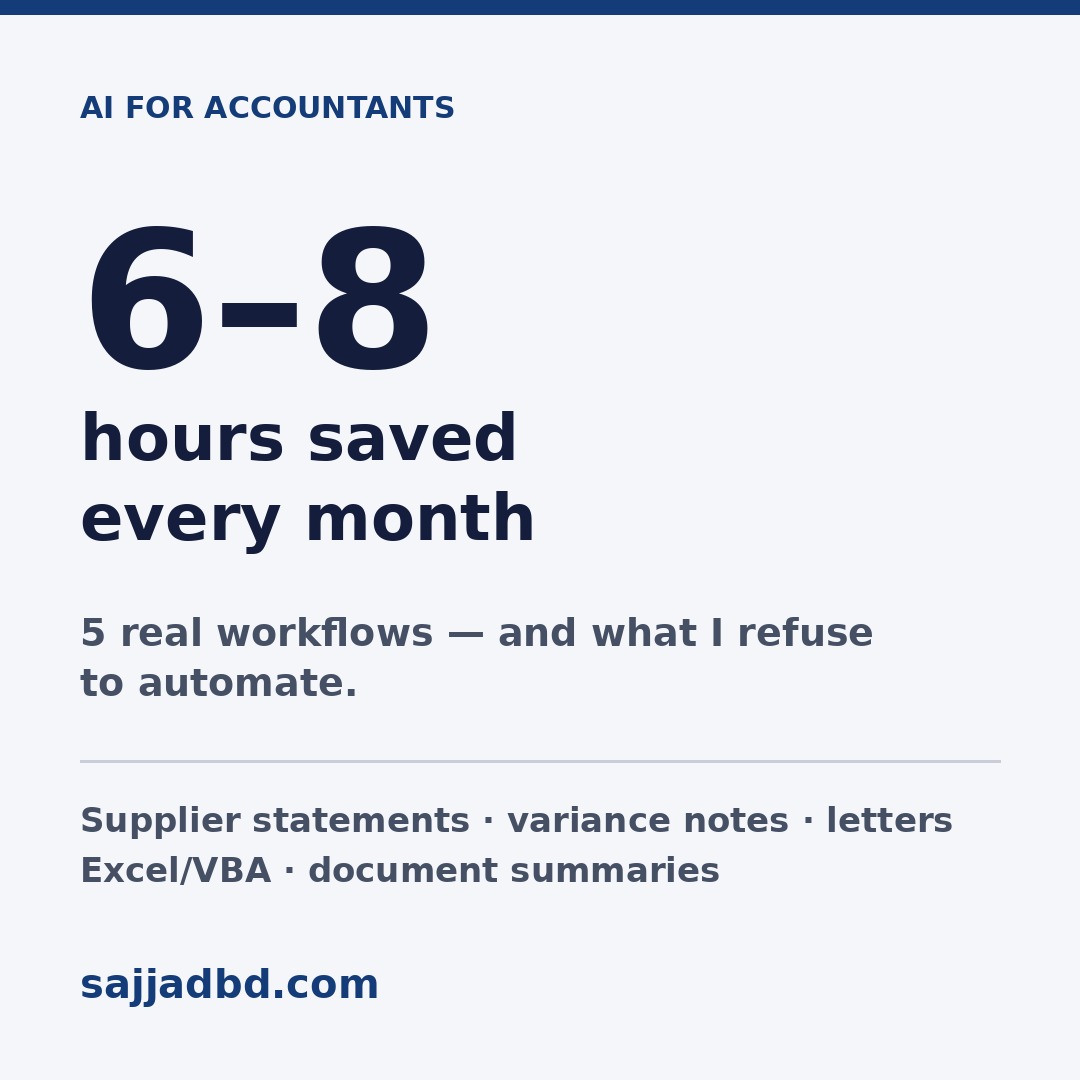
I have not saved a dramatic number of hours in one go. I have saved ten minutes here, twenty there — maybe six to eight hours a month. What changed more is the mental load: the blank-page problem is gone, and the repetitive parts no longer eat my attention.
If you are an accountant starting with AI, pick one workflow from this list and run it for a month. Do not try all five at once, and do not trust any output you have not checked against the source document.
Written by Mohammed Sajjad — chief accountant in Bahrain, building practical AI tools for finance work.