Project: Splitting a Giant Statement-of-Accounts PDF into Per-Customer Files
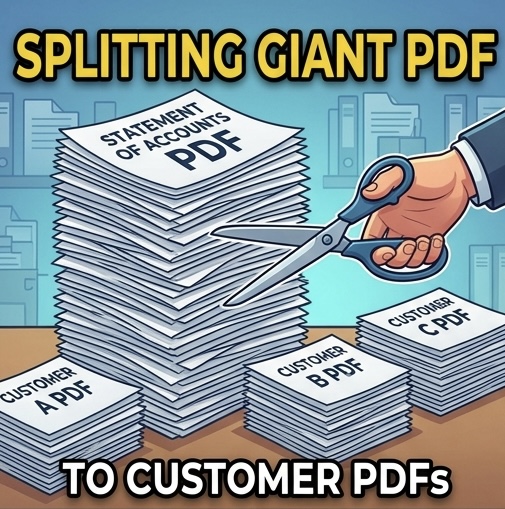
Every month, our ERP system produces one massive PDF: the Statement of Accounts for every customer, stitched together into a single file hundreds of pages long. Sending each customer their own statement meant manually finding their pages, extracting them, and saving each file — a genuinely tedious afternoon, every single month.
The goal
One click: feed in the combined PDF, get back a clean folder of individual files — one per customer, correctly named, with page numbers that make sense per document instead of running continuously across the whole batch.
How I built it (with AI as my pair programmer)
The tool is written in Python. It uses pdfplumber to read the text of each page and detect where one customer’s statement ends and the next begins — the report has a consistent header pattern, which becomes the split marker. Then PyMuPDF handles the surgery: extracting page ranges, stamping corrected page numbers onto each new document, and writing the output files. I described the report layout to the AI, iterated on edge cases (customers with one page, customers with many, headers that wrapped oddly), and had a working script far faster than I could have written it alone.
Making it usable by non-programmers
A script on my machine helps only me. So the next step was wrapping it in a small Flask web app — upload the PDF in a browser, download a ZIP of the split files. And because not every office computer can run Python, I also packaged it as a standalone Windows executable: double-click and it works, no installation, no dependencies.
Lessons learned
First: the hard part of document automation is never the splitting — it’s reliably detecting where to split. Invest your time in the detection logic and test it against several months of real files. Second: hosting matters. My shared web hosting only runs PHP, so the Flask app couldn’t live there; the practical answer was the desktop executable, with Python-friendly cloud hosting as a future option. Third: an hour of describing your problem clearly to an AI assistant beats a week of copying page ranges by hand.
Total time saved: roughly an afternoon per month, forever. That’s the kind of boring, unglamorous automation that actually changes how a finance office runs.