Project: Building My Self-Hosted AI Assistant on a Small VPS
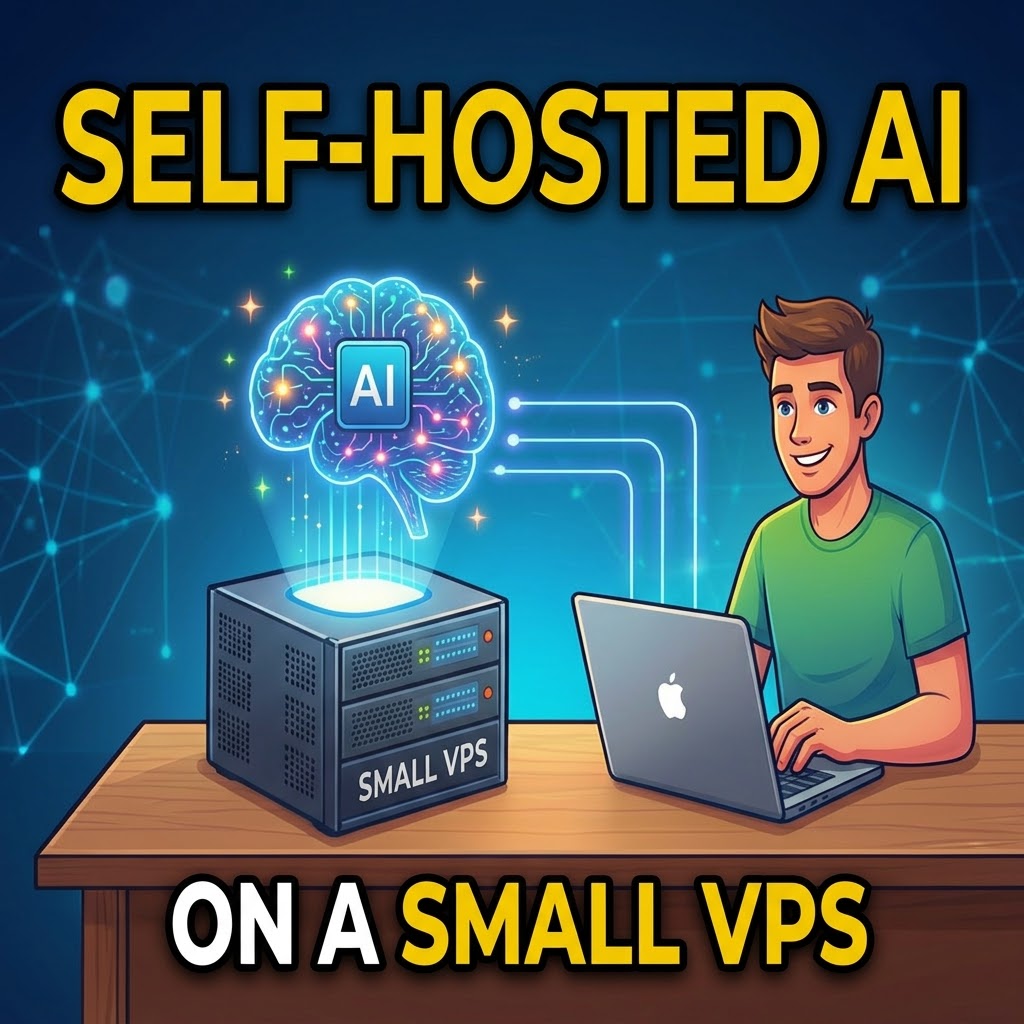
This is the project that turned me from an AI user into an AI tinkerer: a personal assistant running on a small cloud VPS (2 CPUs, 8 GB RAM), living in a Docker container, and answering me through a private Telegram bot. It reads my email on request, checks my calendar and spreadsheets, and greets me every morning with a briefing. Here’s how the build actually went — including the parts that broke.
The architecture
The core is an open-source agent framework running in Docker. The brain is a chain of models: a fast primary model, with two or three fallbacks that take over automatically if the first provider fails or rate-limits. For Google services, the agent shells out to a small CLI tool that handles Gmail and Sheets, and a Python script generates a daily dashboard — news headlines, exchange rates, prayer times, and my calendar — served privately over an SSH tunnel.
The battles
OAuth on a headless server was the worst one. Authorizing Google access requires a browser, which a VPS doesn’t have. The fix: complete authorization on a normal PC, then securely copy the token files to the server, with the token store switched to file-based mode. Fragile configuration was the second: one invalid character in the main JSON config could take the whole agent down — and the framework would overwrite the file on a bad restart. My rule now: validate the JSON before every restart, and keep a confirmed-good backup copy at all times. Free-tier reality was the third: one popular free provider simply couldn’t handle agent work because its context window was too small. Testing with real workloads beats reading feature lists.
The rule that makes it safe
The assistant’s personality file contains one non-negotiable instruction: it may draft emails and sheet updates, but nothing gets sent or written without my explicit approval. As an accountant, I treat this like internal controls — segregation of duties, applied to software.
Was it worth it?
Completely. The monthly cost is modest, the assistant is genuinely useful, and the debugging journey taught me more about how AI agents really work than any course could. If you’re comfortable with a terminal and patient with configuration files, this is the most educational AI project you can take on.